Your library, kept current
Installs download in parallel, resume after an interruption and are verified file by file. Updates fetch only what changed.
Your games, the store, friends and chat in one place. Free for Windows, with one FrostWeb account.
One small installer. Sign in, pick an install folder for your games, and the launcher takes it from there.
Everything a FrostWeb player needs on the desktop, nothing else.
Installs download in parallel, resume after an interruption and are verified file by file. Updates fetch only what changed.
Browse every game, edition and add-on without leaving the launcher. Purchases land in your library and install from there.
See who is online, chat and group up from the sidebar. The same friends list follows you to the forums and the games.
Own a FrostWeb game on Steam? FrostLauncher finds the install and launches it through Steam, with your FrostWeb friends alongside.
New launcher versions download in the background and apply on the next restart. Switch automatic downloads off in Settings if you prefer.
Sign in with your FrostWeb account, the same one as the shop, the forums and the account hub. The launcher costs nothing.
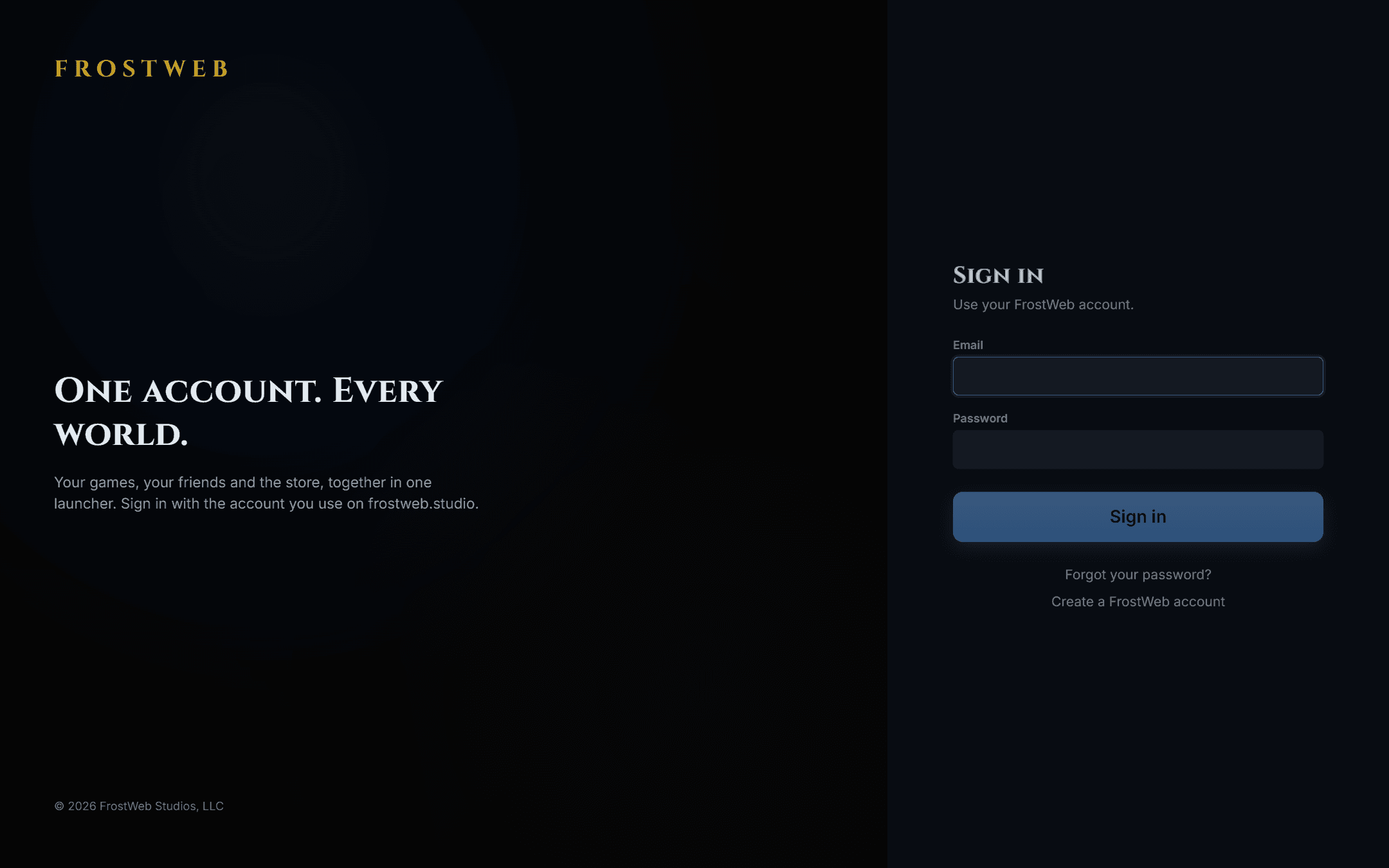
The sign-in screen: the same account as everywhere else on FrostWeb.
| Requirement | Minimum |
|---|---|
| Operating system | Windows 10 or Windows 11, 64-bit |
| Disk space | About 250 MB for the launcher; games are installed separately to a folder you choose |
| Network | An internet connection for sign-in, downloads and updates |
| Account | A free FrostWeb account |
No. Steam keeps working as it does today. FrostLauncher detects FrostWeb games installed through Steam, shows them in your library and launches them through Steam, and adds the store, friends and chat around them.
The launcher checks for its own updates when it starts and every two hours. By default it downloads a new version in the background and installs it the next time it starts; you can turn automatic downloads off under Settings. Game updates are fetched from the game’s update feed and only changed files are downloaded.
Your FrostWeb account: the one you use on the shop, the forums and the account hub. If you do not have one yet, create it in a minute at the account hub; it is free.
Windows Settings → Apps → Installed apps → FrostLauncher → Uninstall. Games you installed through the launcher stay in their install folder; uninstall them from the launcher first if you want the space back.
Download FrostLauncher, sign in, and your FrostWeb games are a click away.